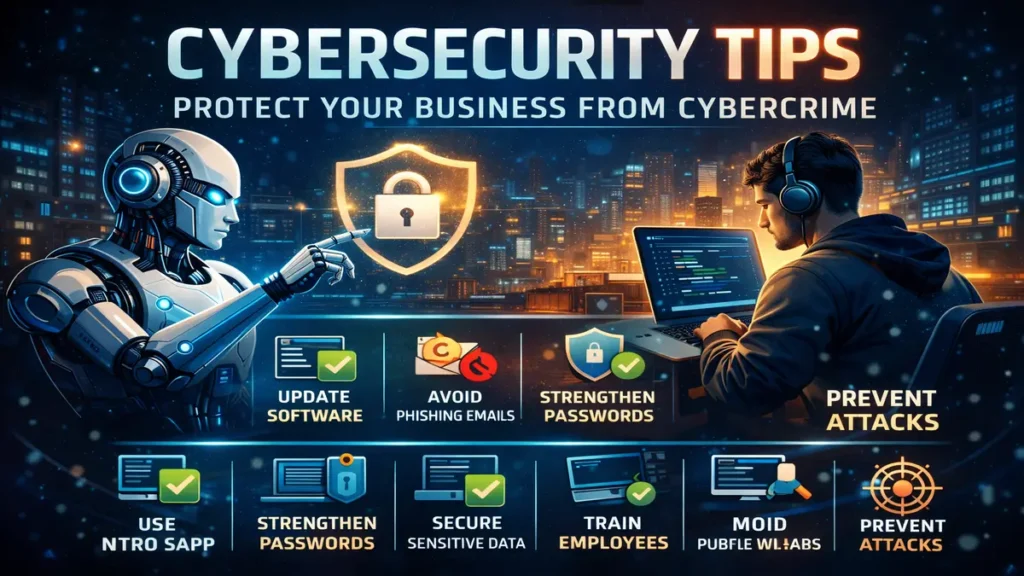
Cybersecurity Tips: 21 Best Practices to Protect Your Business from Cybercrime
Cybercrime is one of the fastest-growing crimes in the world, affecting businesses of every size and industry. From data breaches to ransomware attacks, the consequences of weak security can be devastating — financial loss, reputational damage, and legal trouble.
Unless you want your company’s name to appear in headlines due to a security breach, it is essential to stay informed about the latest cybersecurity tips and best practices.
Staying protected from cyberattacks is not easy. Following proven cybersecurity tips can significantly reduce your risk.
Below is a comprehensive list of top cybersecurity tips to help you prevent cyberattacks and strengthen your overall security posture.
1. Keep Software Up to Date
One of the most basic yet critical cybersecurity tips is keeping your software updated.
Software updates are released to:
Fix security vulnerabilities
Patch known bugs
Improve system protection
Always install the latest updates for operating systems, applications, and security tools to stay protected from emerging threats.
2. Avoid Opening Suspicious Emails
Do not open emails that:
Come from unknown senders
Contain urgent or threatening language
Include suspicious links or attachments
Cybercriminals often impersonate trusted companies to steal sensitive information or infect systems with malware.
3. Keep Hardware Up to Date
Outdated hardware may not support modern security updates and can slow down your system’s response to cyber threats.
Using updated hardware ensures:
Better compatibility with security software
Faster response to attacks
Reduced system vulnerabilities
4. Use Secure File-Sharing Solutions
Avoid sharing confidential data through regular email.
Instead, use secure file-sharing tools that encrypt data automatically, protecting sensitive information from unauthorized access.
5. Install Antivirus and Anti-Malware Software
No system is 100% immune to malware, but antivirus and anti-malware tools significantly reduce risk.
Make sure:
Antivirus software is installed
Real-time protection is enabled
Definitions are updated regularly
This is one of the most essential cybersecurity tips for any business.
6. Use a VPN for Secure Connections
A Virtual Private Network (VPN) encrypts your internet traffic and protects your data from hackers and surveillance.
VPNs are especially important when:
Working remotely
Using public Wi-Fi
Accessing sensitive company resources
7. Check Links Before Clicking
Cybercriminals often disguise malicious links as legitimate ones.
Before clicking:
Hover over the link to view the actual URL
Check for spelling errors or strange domains
This simple habit can prevent many cyber attacks.
8. Use Strong and Unique Passwords
Weak passwords are an open invitation to hackers.
Best password practices:
Use long, complex passwords
Avoid reusing passwords
Combine letters, numbers, and symbols
Password managers can help generate and store secure passwords.
9. Disable Bluetooth When Not in Use
Bluetooth connections can be exploited by attackers to gain unauthorized access.
If Bluetooth is not needed:
Turn it off
Keep devices undiscoverable
This is a simple but effective cybersecurity tip.
10. Enable Two-Factor Authentication (2FA)
Even if passwords are compromised, 2FA can prevent unauthorized access to accounts.
11. Remove Adware from Systems
Adware tracks user behavior and compromises privacy.
Use trusted tools to:
Remove adware
Clean unwanted programs
Improve system security
12. Check for HTTPS on Websites
Always ensure websites use HTTPS before entering personal or financial information.
HTTPS encrypts data between your browser and the website server, protecting it from interception.
13. Store Sensitive Data Securely
Avoid storing important data in unsecured locations.
Best practices include:
Using encrypted storage
Restricting access permissions
Implementing secure cloud solutions
14. Scan External Storage Devices
USB drives and external hard disks can carry malware.
Always:
Scan external devices before use
Disable autorun features
15. Avoid Public Wi-Fi Networks
Public networks are often unsecured and easy targets for attackers.
If unavoidable:
Use a VPN
Avoid accessing sensitive accounts
16. Avoid the “Secure Enough” Mindset
Implementing cybersecurity tips is an ongoing process.
Even large organizations with strong security measures experience breaches. Continuous improvement is essential.
17. Invest in Security Upgrades
Security upgrades may seem costly, but they are far cheaper than recovering from a cyberattack.
Regular investment in security tools and infrastructure is a smart business decision.
18. Back Up Important Data Regularly
Data backups protect against:
Ransomware attacks
Hardware failures
Accidental deletion
Use both cloud and offline backups for maximum protection.
19. Train Employees on Cybersecurity Tips
Regular training helps employees:
Recognize phishing attempts
Follow security protocols
Respond to incidents properly
20. Use HTTPS on Your Website
Installing an SSL certificate and enabling HTTPS protects data exchanged between users and your website.
It also improves:
Trust
User confidence
21. Hire Ethical (White Hat) Hackers
White hat hackers help identify vulnerabilities before criminals do.
They:
Test system security
Report weaknesses
Help strengthen defenses
Final Thoughts
Cyber threats are constantly evolving, but following these cybersecurity tips can dramatically reduce your risk.
Implementing cybersecurity tips is not a one-time task — it is a continuous commitment to protecting data, systems, and people.
Staying informed, proactive, and prepared is the key to staying secure in today’s digital world.
I’d really appreciate your support and followI’d really appreciate your support and follow 
 Official Website & Blog
 https://codingjourney.co.in
 https://codingjourney1983.blogspot.com
Follow on Social Media Facebook: https://www.facebook.com/people/Coding-journey/61585197473575/
 LinkedIn: https://www.linkedin.com/in/sunil-kumar-tiwari-07b8b466
 X (Twitter): https://x.com/suniltiwari4509
 Instagram: https://www.instagram.com/coding9529/
 Pinterest: https://in.pinterest.com/codingjourney1983/
 Quora: https://www.quora.com/profile/Sunil-4966
 Medium: https://medium.com/@codingjourney1983
Your one follow, like, or share really motivates me to create more helpful content 
Thank you for supporting Coding Journey 
Let’s learn, grow, and stay secure together.