
Table of Contents
- Introduction
- Understanding Search Console
- Exploring Analytics
- Important Terms in Google Search Console
- Important Terms in Google Analytics
- Search Console and Analytics: Differences
- How Are They Similar?
- Why Combine Both Tools?
- Linux User Use Cases
- Common Myths
- FAQs: Search Console vs Analytics
- Conclusion
Introduction
When it comes to Google Search Console vs Google Analytics, website owners and Linux fans often wonder which tool to use for better SEO and user insights.
Both platforms are essential, but they serve different goals and offer unique types of data.
By learning the differences between the above tools, you can make smarter choices, enhance your site’s performance, and climb higher in search rankings.
This article breaks down Search Console vs Analytics in a simple, user-friendly way, so you can get the most out of both tools.
Understanding Google Search Console
It is a free and easy-to-use platform from Google that lets you see how your website appears in Google Search and helps you fix issues to improve visibility.
It displays which search terms bring people to your site, shows how your pages are listed, and checks if everything is being indexed as it should be.
With this tool, you can keep an eye on clicks, impressions, and average positions, making it easier to spot and resolve SEO problems.
If you run a technical website or work with Linux systems, having this tool is essential for keeping your site visible and performing well in search results.
Exploring Google Analytics
Google Analytics is a good tool that provide you facility to see how people interact with your website when they visit your website.
It tracks visits, page views, bounce rates, traffic sources, conversions, and even details about your audience.
With Google Analytics, you can see which marketing channels bring in the most users, whether it’s organic search, social media, direct links, or paid ads.
You can also discover which content keeps people engaged and how users move through your site.
Google Analytics is a great choice for Linux admins and tech fans who want to track how updates to their website or server affect visitor behavior and interaction.
Important Terms in Google Search Console
- Clicks: Clicks show how many times users have clicked your website’s link in Google search results. This number highlights which pages and keywords are most effective at attracting visitors. High clicks often mean your meta titles and descriptions are appealing.
- Impressions: Impressions count how often your website’s pages appear in Google’s search listings, whether or not anyone clicks. Lots of impressions mean your site is visible for many searches, but low clicks may mean your snippets need improvement.
- Click-Through Rate (CTR): CTR is the percentage of impressions that result in a click. It shows how well your search listings convince people to visit your site. A low CTR means your titles or descriptions may not be engaging enough, while a high CTR shows strong messaging.
- Average Position: Average Position tells you where your web page typically appears in Google search results for a keyword—like 3rd or 10th place—so you can see how easy it is for people to find your site. Monitoring this helps track SEO progress.
- Top Queries: Top Queries are the search terms that most often bring users to your site. Reviewing these helps you understand what your audience is searching for and lets you optimize your content for their interests.
- High-Performing Pages: Pages with high clicks and impressions are your best performers in search. Focusing on these pages—by updating content or improving user experience—can drive even more traffic and better rankings.
- Mobile Usability: Mobile Usability checks if your website is easy to use and displays correctly on smartphones and tablets, ensuring visitors have a smooth experience on any device. Problems like small text or crowded buttons can hurt your rankings.
- Core Web Vitals: Core Web Vitals measure how pleasant your website is for visitors by looking at page load speed, how quickly people can interact, and whether the layout stays steady as the page loads. Good scores help boost your rankings and keep users happy.
- Coverage Errors: Coverage Errors are issues that stop Google from indexing your web pages, such as broken links or blocked content. Fixing these ensures your pages can be found and ranked in search results.
- Sitemap Submission Status: A sitemap is a list of all your site’s important URLs stored in an XML file. Submitting your sitemap to Google helps make sure every key page is crawled and indexed, improving your site’s visibility in search.
Important Terms in Google Analytics
- Sessions: A session tracks a visitor’s activity on your website from when they arrive until they leave or are inactive for a set period. Sessions can include multiple page views and actions, showing overall engagement.
- Users: Users are unique visitors to your website, counted once even if they return multiple times. Tracking users helps you see who is visiting, how your audience grows, and which content they like most.
- Pageviews: Pageviews count every time a page on your site loads, including repeated views by the same visitor. This metric shows which pages are most popular and where users spend their time.
- Bounce Rate: Bounce Rate is the percentage of sessions where a visitor leaves after viewing just one page. A high bounce rate may mean your content isn’t meeting expectations or your landing pages need work.
- Traffic Sources: Traffic Sources show where your visitors come from, like search engines, social media, direct visits, or referrals. Knowing this helps you focus your marketing efforts.
- Goals: Goals are actions you want visitors to complete, such as signing up for a newsletter or making a purchase. Tracking goals shows if your website is helping visitors complete these actions and how well you’re meeting your objectives.
- Conversions: A conversion is when a user completes a desired action, like submitting a form or buying a product. Monitoring conversions helps you measure your website’s effectiveness.
- Events: Events are specific actions users take on your site, like clicking a button, downloading a file, or watching a video. Tracking events gives you insight into how visitors interact with your content.
- Average Session Duration: Average Session Duration shows how long visitors usually stay on your site during a session. Longer times suggest your content is interesting and engaging.
- New vs Returning Visitors: This metric compares first-time visitors to those who have been to your site before. A good balance of new and returning visitors means you’re attracting new people and keeping your existing audience interested.
Google Search Console and Google Analytics: Differences
1. Purpose and Focus
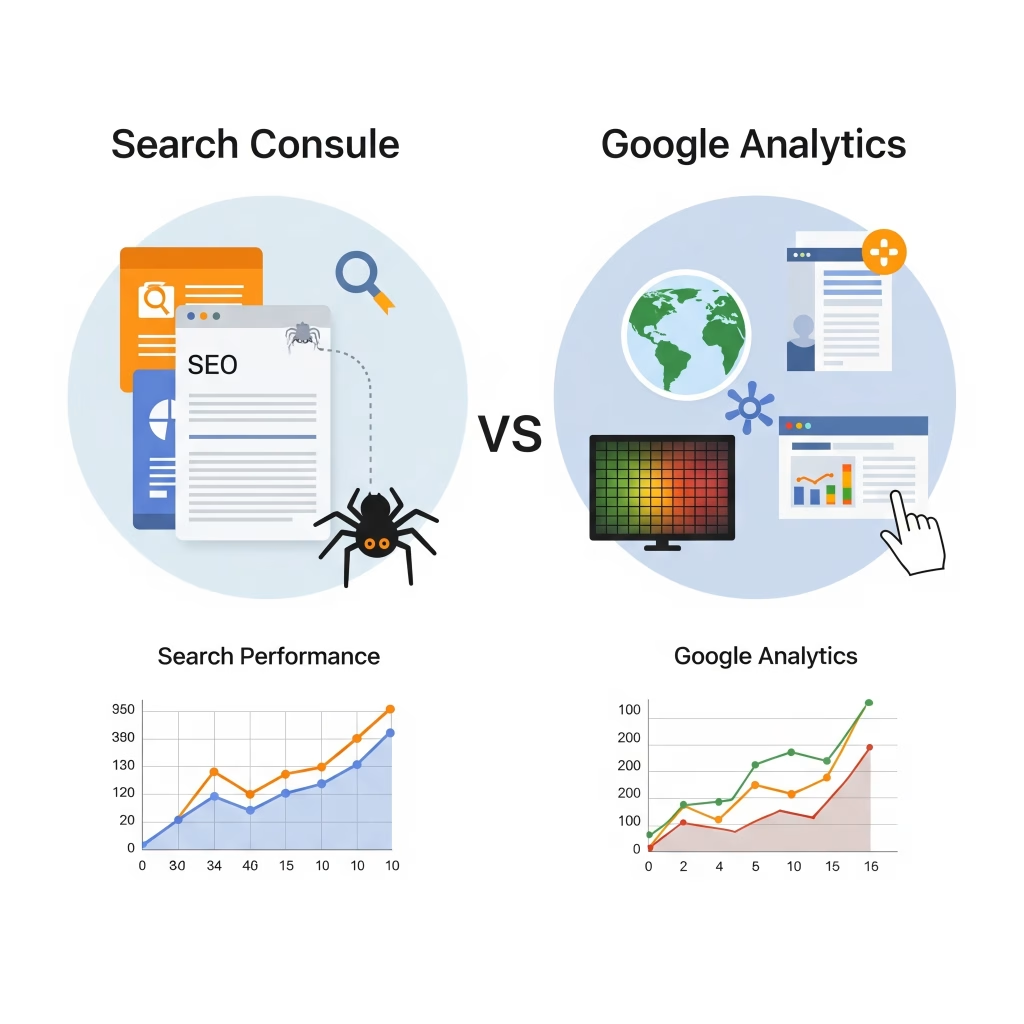
Search Console focuses on your website’s visibility and activity in Google Search results, whereas Google Analytics tracks the actions and behavior of visitors once they’re on your site.
2. Types of Data
Search Console provides details like search impressions, clicks, and indexing status.
In contrast, Google Analytics gives you information on visits, which pages are viewed, how long people stay, and what actions they take.
3. Traffic Sources
Search Console shows the number of visitors who visit your site without any paid campaign.
On the other hand, Google Analytics tracks all sources, including search engines, social networks, direct visits, and referrals.
4. Keyword Insights
Search Console shows you which search queries bring people to your site.
Analytics, however, offers less keyword data but helps you see which landing pages attract the most attention.
5. Technical Feedback
With Search Console, you can find and fix crawl errors, indexing problems, and mobile usability issues.
Analytics focuses more on how users experience your site, such as which pages they exit from and how often they convert.
How Are They Similar?
Both Search Console and Analytics give you valuable information about your website, but each does it in its own way.
Each tool offers data on site traffic, though the details and focus differ.
By combining them, you can get a more complete picture of your site’s SEO and how visitors interact with your content.
Both are free, reliable, and especially helpful for anyone running a site on Linux.
Why Combine Both Tools?
When you use Search Console and Analytics together, you can see both how people find your site and what they do after they arrive.
Search Console reveals the search terms and visibility, while Analytics shows user actions and engagement.
Integrating both helps you follow the full journey—from search impression to conversion.
This approach makes it easier to spot and fix issues, improve your content, and create a better experience for your users.
For Linux users, using both tools is a smart way to troubleshoot problems and make decisions based on real data.
Linux User Use Cases
1. Finding Indexing Issues
If you manage your website on Linux, Search Console helps you quickly catch and resolve indexing or crawl errors.
2. Checking User Activity After Updates
After making server or CMS updates, Analytics lets you see if user engagement or bounce rates have changed.
3. Measuring SEO Impact of Security Tweaks
By using both tools, you can track how changes like adding HTTPS or updating firewalls affect your search visibility and traffic.
4. Improving Content for Search and Readers
Use Search Console to spot keywords with potential, then check Analytics to find out which articles keep visitors interested.
5. Solving Drops in Performance
If you notice fewer visitors, Search Console can show if there’s a search issue, while Analytics can reveal changes in user behavior.
Common Myths
Some people believe Search Console and Analytics do the same job, but that’s not true—they complement each other.
Another misconception is that you only need one tool, but using both gives you a much clearer view.
It’s also common to expect their numbers to match exactly, but differences are normal because of how each tool collects and processes data.
FAQs: Google Search Console vs Google Analytics
1. What is the biggest difference between Search Console and Analytics?
Search Console looks at your site’s search performance, while Analytics focuses on visitor actions.
2. Can I use both tools at the same time?
Yes, using both together gives you a more complete understanding of your website.
3. Which tool shows search keywords?
Search Console provides detailed keyword data; Analytics offers less keyword information.
4. Are both Search Console and Analytics free?
Yes, both are free for all users.
5. How do I connect the two platforms?
You can link your accounts in Google Analytics settings for combined reports.
6. Can I see user demographics in Search Console?
No, demographic data is only available in Analytics.
7. Does Analytics show search rankings?
No, rankings are shown in Search Console.
8. Which tool helps with technical issues?
Search Console is great for technical SEO problems.
9. Can I check which pages are indexed?
Yes, Search Console displays indexing status.
10. Does Analytics track organic search traffic?
Yes, but it also tracks other sources like social and direct.
11. How often should I review my data?
It’s smart to check both tools weekly or after big changes.
12. Which tool helps with content improvement?
Use both: Search Console for keywords, Analytics for engagement.
13. Does Analytics show crawl errors?
No, crawl errors are only in Search Console.
14. Can I export data from both tools?
Yes, you can download reports from both platforms.
15. Which tool checks mobile usability?
Search Console reports on mobile issues.
16. Can I view historical data?
Yes, both tools let you see trends over time.
17. Does Analytics measure site speed?
Yes, Analytics includes site speed reports.
18. Which should I set up first?
It’s best to set up both right away for complete insights.
Conclusion
Choosing between Search Console and Analytics isn’t necessary—using both gives you the best results.
Search Console helps with search visibility and fixing technical issues, while Analytics is key for understanding how people use your site.
By combining both tools, you’ll get the insights you need to improve your website, solve problems quickly, and stay ahead in the digital world.
You May Also Like
For more in-depth tips on using Google Search Console and Google Analytics together, check out
Backlinko’s Google Search Console Guide.


