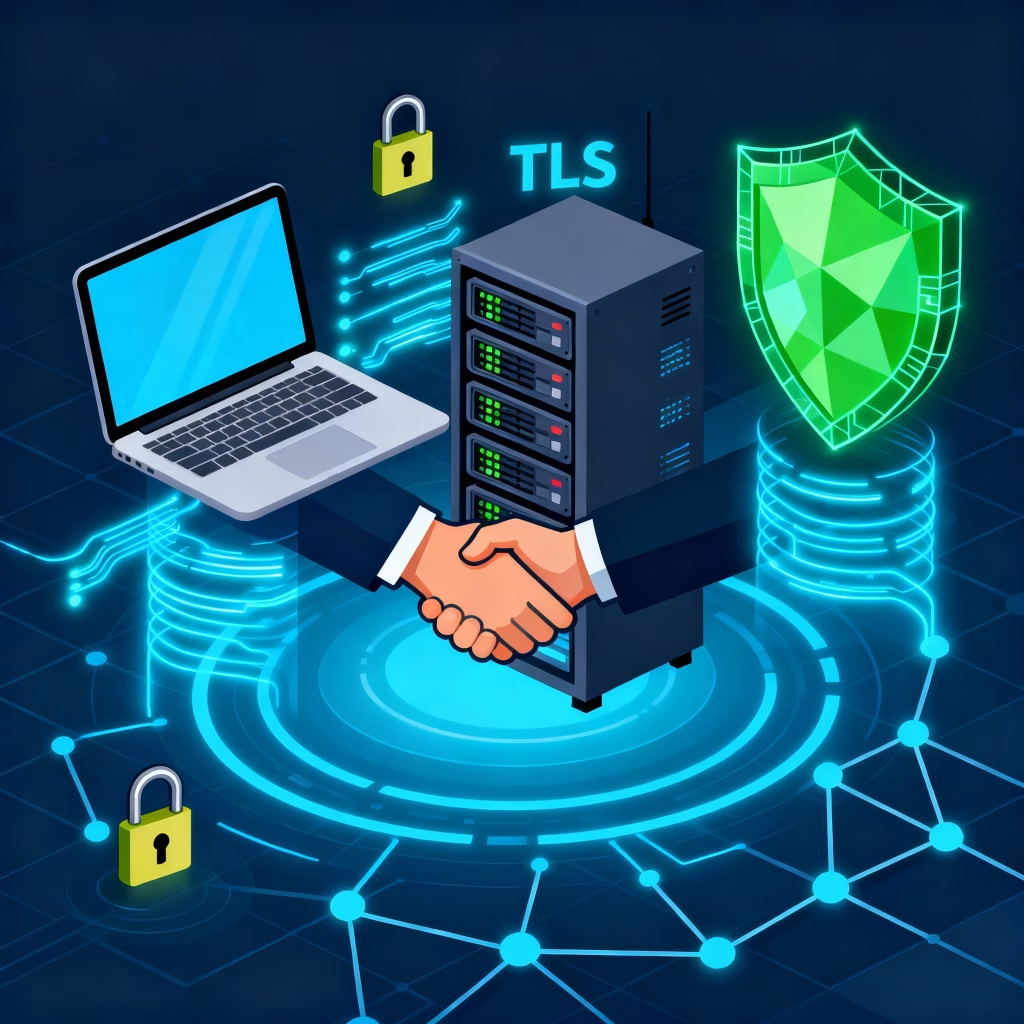
What is TLS and Why Should You Care?
TLS security is a cryptographic protocol designed to protect communications over the Internet. It ensures confidentiality, integrity, and authentication for activities ranging from email exchanges and online banking to e-commerce transactions. When you notice the “HTTPS” prefix and a padlock icon in your browser, TLS security is actively working to shield your data from interception and unauthorized changes.
The TLS Handshake: How Secure Sessions Begin
Before any encrypted data transfer begins, the TLS security handshake initiates a secure connection by exchanging crucial information between the client and server. This process involves negotiating the TLS version, selecting encryption cipher suites, authenticating the server (and optionally the client), and securely agreeing on session keys to ensure confidential and trustworthy communication.
Client                             Server

 |------ ClientHello ------------->|
 |                                 |
 |<----- ServerHello -------------|
 |<----- Certificate -------------|
 |<-- ServerKeyExchange (opt) ----|
 |<-- CertificateRequest  (opt) --|
 |<----- ServerHelloDone ---------|
 |                                 |
 |-- Certificate      (opt) ------>|
 |-- ClientKeyExchange ----------->|
 |-- CertificateVerify (opt) ----->|
 |-- ChangeCipherSpec ------------>|
 |-- Finished -------------------->|
 |                                 |
 |<----- ChangeCipherSpec ---------|
 |<----- Finished -----------------|

(After this, both sides exchange encrypted data.)
Inside the ClientHello Message
The ClientHello message kicks off the TLS security handshake and includes important details:
- Protocol Version: The highest TLS version the client can use.
- Random Value: A unique random number that aids in generating session keys and prevents replay attacks.
- Session ID: Used for resuming past sessions efficiently.
- Cipher Suites: Lists the cryptographic algorithms the client supports for key exchange, encryption, and authentication.
- Compression Methods: Rarely used nowadays due to security concerns.
- Extensions: Additional features like server name indication, supported groups, and application protocol negotiation (e.g., HTTP/2).
Cipher Suites: Deciding How Data Gets Secured
A cipher suite defines the algorithms used in TLS security, including:
- Key exchange method (e.g., ECDHE, DHE) to securely share keys.
- Authentication algorithm (e.g., RSA, ECDSA) to verify identities.
- Encryption algorithm (e.g., AES-GCM, ChaCha20) that protects data privacy.
- MAC/hash function (e.g., SHA256) to ensure data integrity and authentication.
Modern TLS 1.3 supports only a limited set of strong cipher suites, while older versions contain many outdated options that should be disabled for better security.
TLS Handshake Latency: Why Speed Matters
TLS security handshake latency refers to the additional delay caused by the negotiation process before secure data transmission begins. TLS 1.2 generally requires two network round trips (RTTs), while TLS 1.3 significantly reduces this to just one RTT, resulting in faster connections. Additionally, TLS 1.3 supports session resumption and “0-RTT” features, which can eliminate handshake latency altogether for returning visitors, improving performance and user experience.
Real-World Example: Online Banking with TLS
1. Secure web browsing: TLS security encrypts data exchanged during HTTPS sessions to protect user privacy.
2. Online banking: TLS security safeguards login credentials and transaction data on banking websites.
3. Email transmission: TLS security secures SMTP, IMAP, and POP3 protocols to protect emails in transit.
4. E-commerce: TLS security encrypts shopper payment details to ensure safe online purchases.
5. VPN connections: TLS security protects data exchanged in virtual private networks for privacy and integrity.
6. Cloud services: TLS security encrypts data communication between clients and cloud providers.
7. Instant messaging: TLS security secures messages sent over chat and communication apps.
8. Software updates: TLS security guarantees authenticity and integrity of software patches.
9. Remote desktop: TLS security encrypts remote access sessions to prevent eavesdropping.
10. IoT device communication: TLS security ensures secure data transfer among internet-connected devices.
11. API access: TLS security protects data transferred during API calls.
12. File transfers: TLS security secures FTP, FTPS, and SFTP sessions to protect file integrity.
13. Payment gateways: TLS security encrypts sensitive payment data during transaction processing.
14. DNS queries: TLS security enables DNS over TLS to prevent DNS spoofing and enhance privacy.
15. VoIP calls: TLS security encrypts signaling and media streams for secure voice communication.
16. Database connections: TLS security encrypts data between applications and database servers.
17. Version control systems: TLS security protects data during Git or SVN operations.
18. Mobile applications: TLS security safeguards all network communications made by mobile apps.
19. Online gaming: TLS security encrypts online game data to prevent cheating and protect user info.
20. Government communications: TLS security ensures confidential and authenticated exchange of sensitive information.
What Happens if TLS Has Vulnerabilities?
If TLS is misconfigured or has implementation flaws, consequences include:
- Stolen credentials or sensitive data (from attacks like Heartbleed, BEAST, FREAK, etc.).
- Session hijacking: Attackers taking over an authenticated session.
- Man-in-the-middle (MITM) attacks: Forged certificates or downgrading to weak ciphers.
- Loss of privacy: Surveillance or eavesdropping on user activity.
- Legal risk: Data breach, non-compliance with regulations.
- Loss of user trust: Damaged reputation and lost customers.
Using Packetbeat and Kibana for TLS Attack Detection
Packetbeat (with Kibana dashboards) enables network defenders to monitor TLS handshake metadata in real time. This helps detect:
- DDoS or bot-driven handshake floods
- Anomalous or suspicious certificates (possible MITM or rogue servers)
- Downgrade attacks (forced usage of old protocols or weak ciphers)
- Malware using non-standard TLS libraries (identified by JA3 fingerprints)
- Failed handshakes and alerts (signs of probing or attack tools)
- Unusual domains or SNI values (phishing, C2 traffic)
By establishing usage baselines and alerting on outliers, these tools provide essential TLS visibility without decrypting content.
Best Practices for Secure, Fast TLS
- Use only TLS 1.2 and 1.3. Disable legacy protocols (SSLv3, TLS 1.0, TLS 1.1).
- Enable strong cipher suites—preferably AEAD ciphers like AES-GCM and ChaCha20-Poly1305.
- Keep server and library implementations fully patched.
- Review certificates, ensuring legitimacy and up-to-date chains.
- Use session resumption and modern extensions to minimize latency.
- Monitor handshake rates, errors, and certificate anomalies through proper network analytics.
Frequently Asked Questions (FAQ)
- What is TLS?
TLS (Transport Layer Security) is a protocol for secure encrypted communication over networks. - How does TLS differ from SSL?
TLS is the successor to SSL. SSL is deprecated and should not be used. - What is a TLS handshake?
The initial negotiation where client and server agree on security parameters and start an encrypted session. - What is a cipher suite?
A named combination of algorithms for key exchange, encryption, and authentication within TLS. - Why is handshake latency important?
It adds delay to connections, impacting user experience and server load. - How does TLS protect me online?
It encrypts data between your browser/app and web servers, blocking eavesdropping and tampering. - Can TLS be hacked?
When properly implemented and kept updated, TLS is very secure; flaws and misconfigurations can be exploited. - Should I use TLS 1.3?
Yes, TLS 1.3 is faster and more secure than previous versions. - What triggers a red alert in TLS monitoring?
Spikes in handshake failures, suspicious certificates, or abnormal session rates. - How do sites prove their identity with TLS?
Using digital certificates signed by trusted Certificate Authorities (CAs). - What is session resumption?
A way for clients and servers to reconnect quickly without a full handshake. - What can Packetbeat and Kibana see in encrypted traffic?
Metadata about handshakes, versions, ciphers, errors, and certificates—not the encrypted content itself. - What is SNI?
Server Name Indication—an extension allowing the client to tell the server which domain it wants to access (for multi-hosted servers). - What is a JA3 fingerprint?
A unique hash of a client’s TLS handshake parameters, often used to detect malware and uncommon clients. - What should I do if my site supports weak ciphers?
Disable them—use only recommended, secure ciphers to prevent downgrade and MITM attacks. - What is a man-in-the-middle (MITM) attack?
An attack where a third party intercepts and potentially alters TLS-encrypted communications. - How is TLS different for web vs. other services?
The protocol is the same, but parameters/extensions may vary for email, VoIP, APIs, etc. - How often should TLS settings be reviewed?
They should be regularly audited, especially after vulnerability disclosures. - Is TLS compliance required?
Yes, for many industries (finance, healthcare), strong encryption like TLS is legally mandated. - How can I test my site’s TLS security?
Use public tools like SSL Labs to scan and get recommendations for improvement.
Learn more about the Elastic Stack (ELK Stack)
For comprehensive, authoritative guidance on heartbeat configuration, visit the
Official Elastic Heartbeat Documentation
🔥 Don’t Miss These Must-Read Cybersecurity & Tech Articles!
Dive deeper into the world of cybersecurity, Linux, and programming with these carefully selected articles. Expand your knowledge, stay updated, and sharpen your skills!
- Master the SCP Command in Linux: Secure File Transfers Simplified
- What is Application Security? Protect Your Software from Threats
- Installing Kali Linux on a Virtual Machine: A Step-by-Step Guide
- Build Good Security Habits to Stay Safe Online
- How to Install All Modules in Recon-ng: A Practical Guide
- What is Network Security? Basics and Best Practices
- Getting Started with Nessus Essentials for Vulnerability Scanning
- AND in Linux Command
- Best Linux OS
- Best Local LLM Model for Coding
- Best Local LLM Models
- Best Unit to Use in CSS
- Burp Suite
- C Program to Add Two Numbers
- Canvas Tag in HTML
- Android App Development Category
- Cyber Security Category